 Subscription Stopper
Renewal reminders
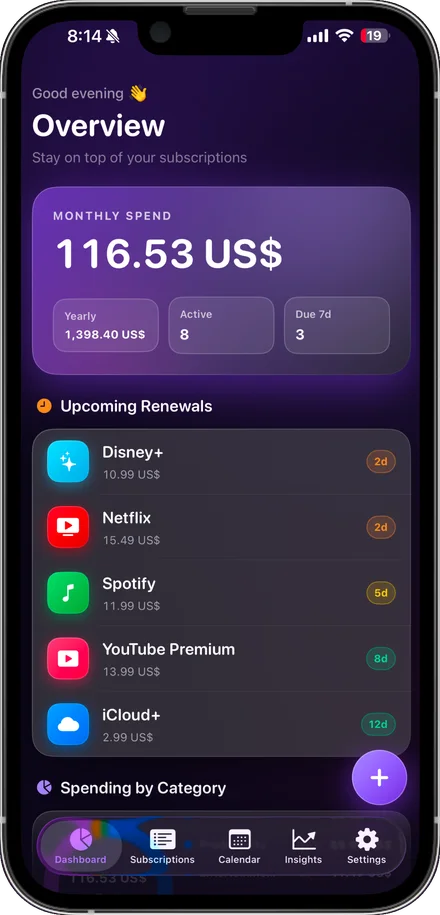
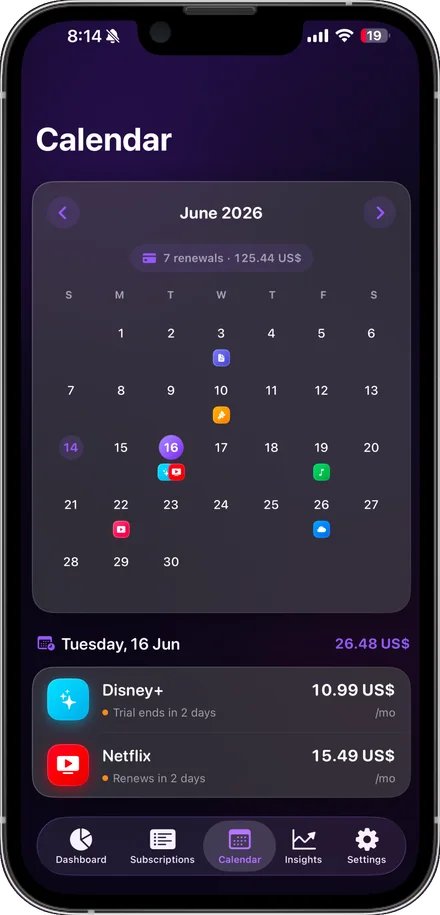
A local notification lands before each charge, so a renewal is a decision you make — not a surprise on your statement.
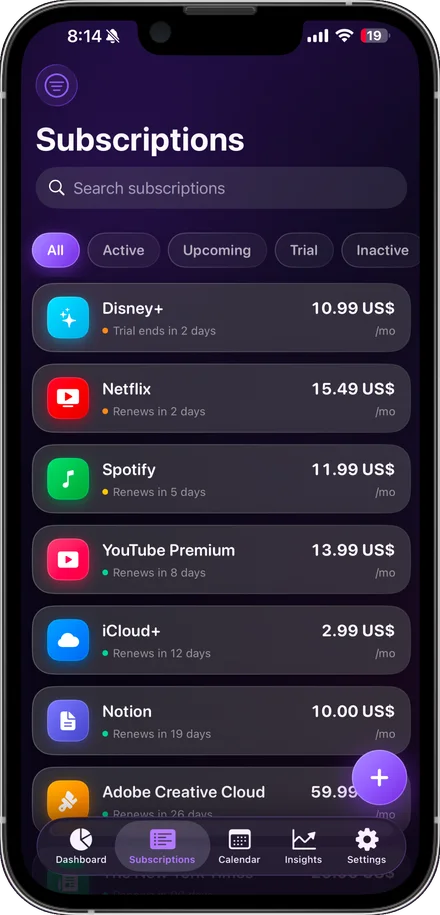
See every recurring charge in one place, get reminded before each renewal, and know exactly what you spend a month — without linking a bank account or handing over your email.

Built for people who want clarity about recurring spending — not another app asking for their banking password.
A local notification lands before each charge, so a renewal is a decision you make — not a surprise on your statement.
Mark a subscription as a trial and get warned before it converts to a paid plan. That is usually the first month the app pays for itself.
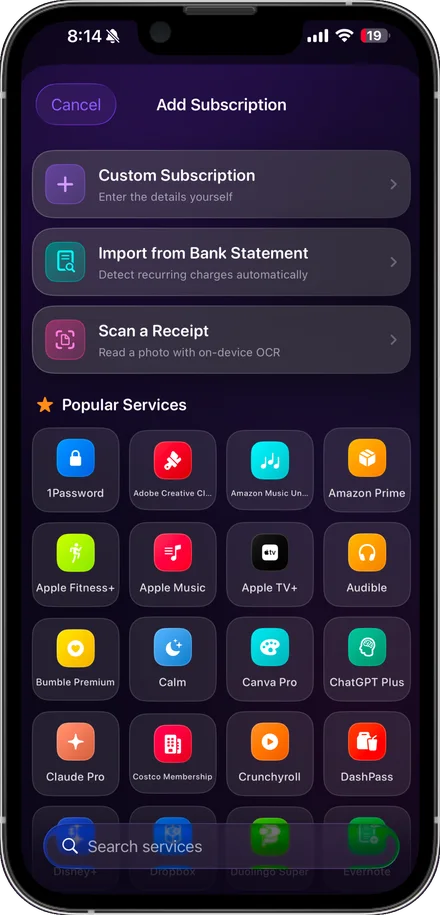
Import a CSV or PDF statement and the app finds recurring charges for you. Parsing happens entirely on your iPhone — the file is never uploaded.
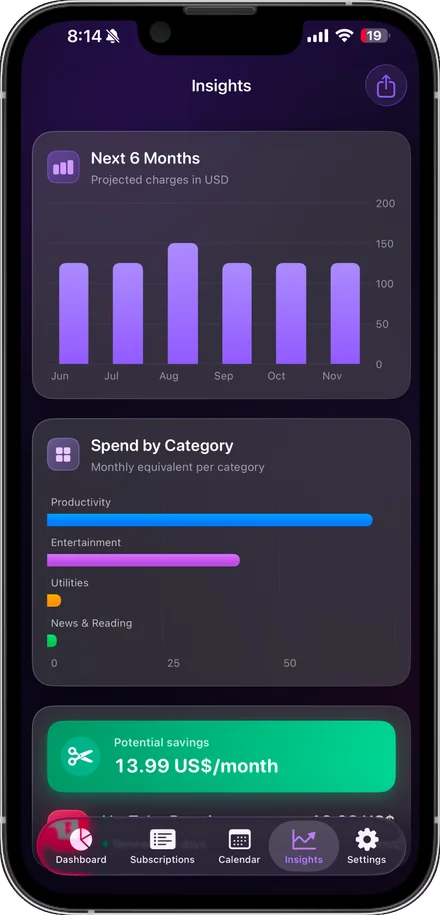
See your real monthly and yearly totals broken down by category, so you can spot the subscriptions that stopped earning their keep.
Keep your list current across iPhone and iPad through your own private iCloud account. Off by default, and the developer cannot see any of it.
Put what renews next on your home or lock screen, so upcoming charges are visible without opening anything.
Free guides that answer the question first. The app is there if you want it afterwards.
No — and you can't, because the app has no bank integration at all. You add subscriptions yourself, pick them from the built-in catalogue of 55 services, or import a statement file that is read entirely on your device.
Tracking up to three subscriptions is free forever, with reminders, spending totals and widgets included. Premium lifts the limit and adds statement import, receipt scanning, iCloud sync, multi-currency and CSV export.
No. It tells you what is renewing and what it costs; cancelling still happens with the provider. Our cancellation guides walk through the steps for the services people ask about most.
In a local database on your iPhone. If you switch on iCloud sync it is mirrored to your own private iCloud account through Apple CloudKit, which the developer cannot access. There is no Subscription Stopper server holding your information.
iPhone and iPad running iOS 16.0 or later. There is no Android or web version.
Most people are surprised by the total. It takes about two minutes to see yours.